Panoramica
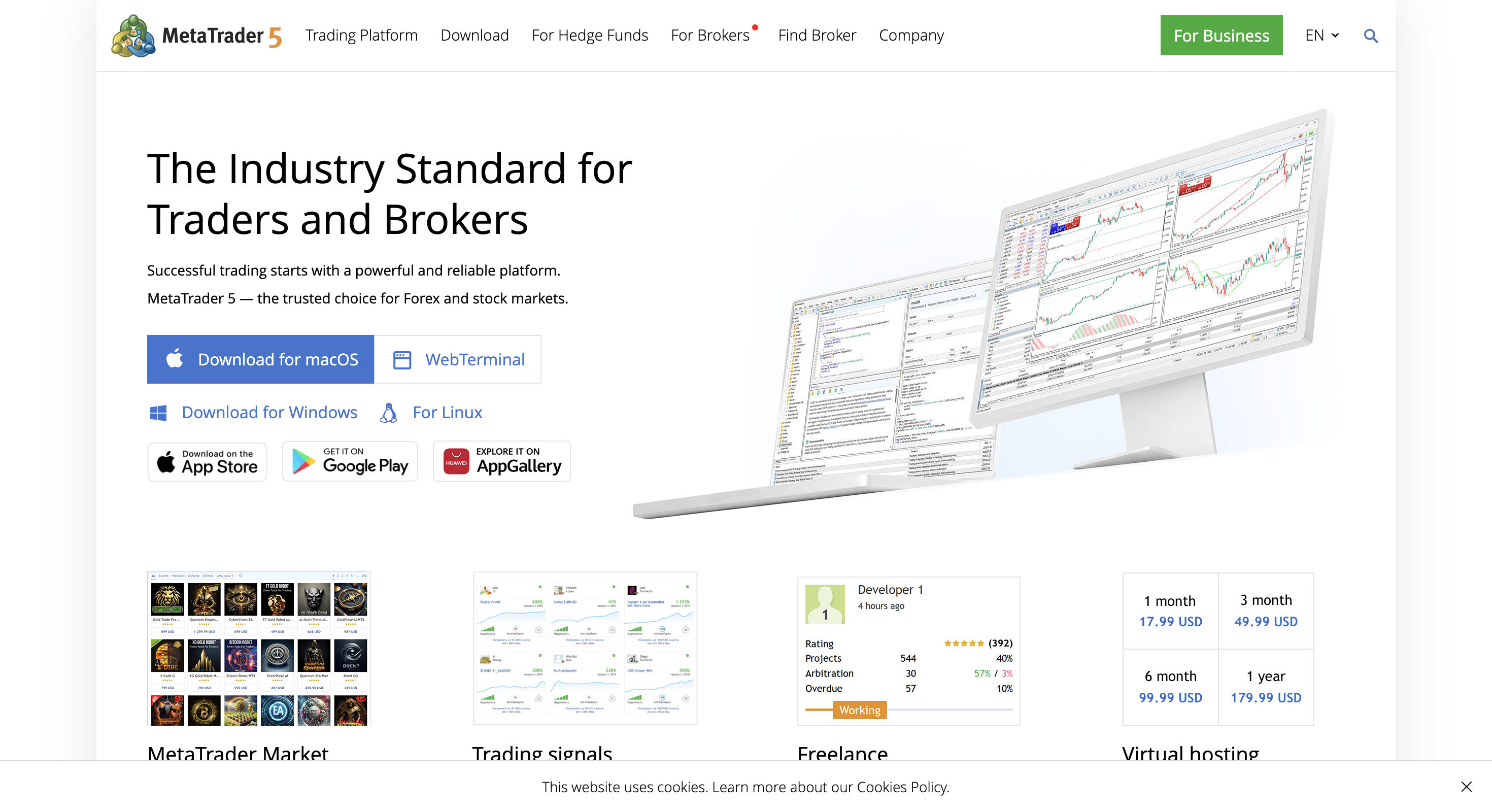
MetaTrader 5 è un terminale desktop gratuito distribuito dai broker il cui Strategy Tester è uno dei motori gratuiti più solidi per backtesting automatizzato di Expert Advisor forex/CFD. Supporta modellazione real tick e tick generati, ottimizzazione multi-thread e genetica, test multi-valuta, modalità visuale e forward testing integrato, con percorso diretto da un EA MQL5 testato al trading live. Il realismo del backtest dipende molto dalla qualità tick/storico del broker e da impostazioni di modellazione corrette. È più debole per replay manuale no-code, flussi di diario TradingView o uso nativo macOS/Linux.
Ideale per
Trader forex e CFD che costruiscono o validano Expert Advisor MQL5 automatizzati con profondità gratuita del Strategy Tester.
Non ideale per
Replay manuale/diario no-code, pratica centrata su TradingView, o utenti che necessitano stack di ricerca nativo macOS/Linux.
Funzionalità chiave di backtesting
- Modalità modellazione Strategy Tester every-tick e real tick
- Ottimizzazione genetica/completa multi-thread + forward testing
- Test EA multi-valuta e modalità debug visuale
- MQL5 Cloud Network opzionale per ottimizzazioni distribuite
Pro e contro
Pro
- Strategy Tester gratuito con profondità seria per EA
- Modalità real tick quando l’archivio broker è denso
- Ottimizzazione locale veloce; scala opzionale Cloud Network
- Percorso diretto da EA backtestato a trading live con broker
Contro
- Qualità backtest dipende da dati tick/storico del broker
- MQL5 obbligatorio per strategie personalizzate
- Facile overfitting con ottimizzazione genetica
- Debole per replay manuale / diario no-code
- Orientato a Windows; aggregato Trustpilot severo
What MetaTrader 5 backtesting is
MT5’s Strategy Tester injects a historical tick stream into an MQL5 Expert Advisor’s event model (mainly OnTick), applies spreads/commissions/execution settings, and reports trades and equity. Modelling modes range from rough “Open prices only” screens to “Every tick based on real ticks” using the broker’s stored tick archive. Agents run locally across CPU cores; the MQL5 Cloud Network can distribute huge optimisations for a pay-as-you-go fee.
The design goal is coded EA research that can go live on the same platform, not a discretionary bar-replay gym. Visual mode helps you inspect behaviour; it is not a substitute for Tradespad-style journaling or FX Replay-style manual practice.
| Job | MetaTrader 5 fit | Better first choice when… |
|---|---|---|
| Automated EA / MQL5 research | Excellent: free Strategy Tester, real ticks, optimisation, forward tests | You need futures C# automation (NinjaTrader) |
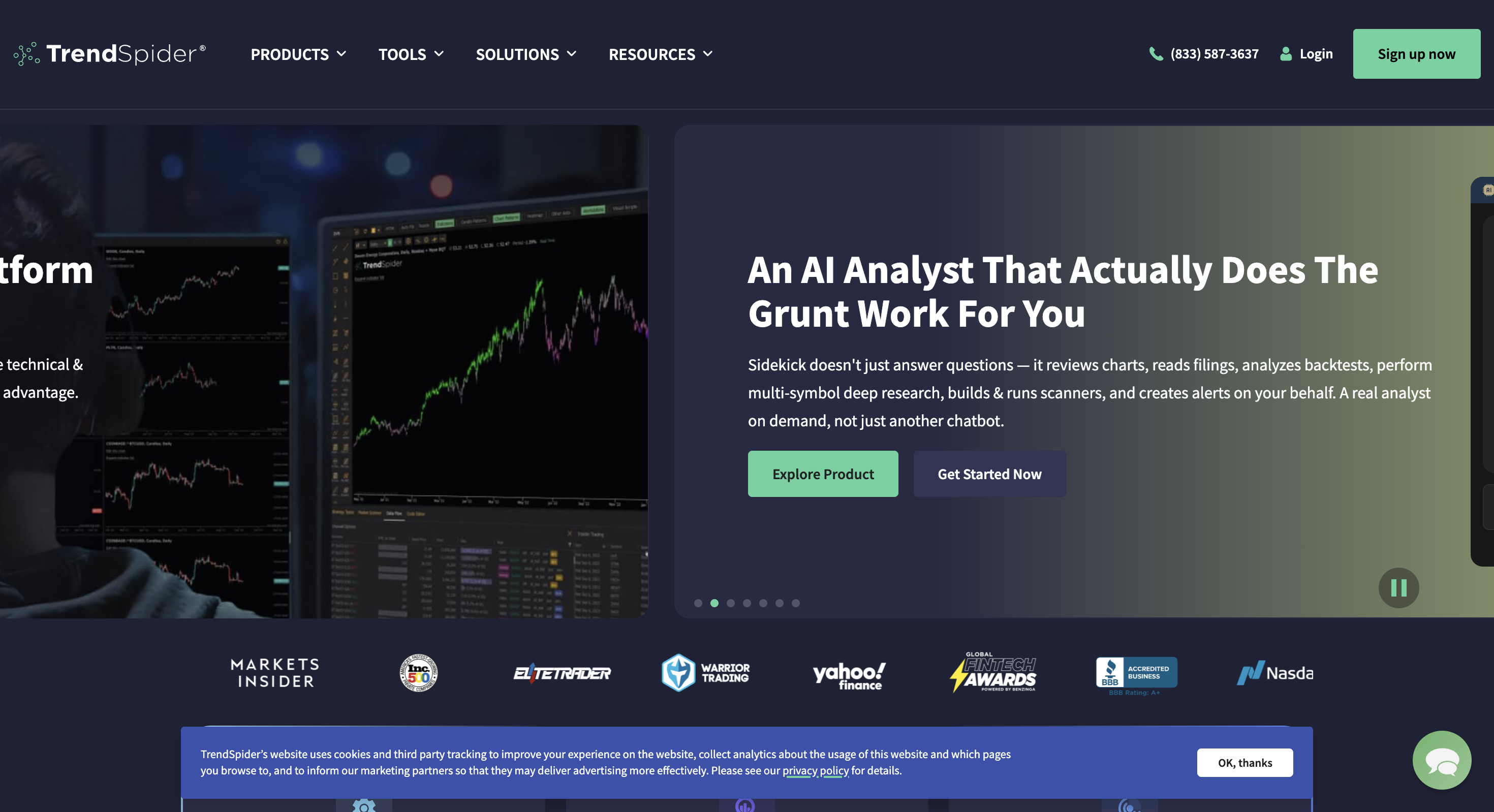
| Fast parameter optimisation | Strong: multi-threaded local agents + genetic search + optional Cloud Network | You refuse coding and want no-code engines (TrendSpider, BacktestingMax) |
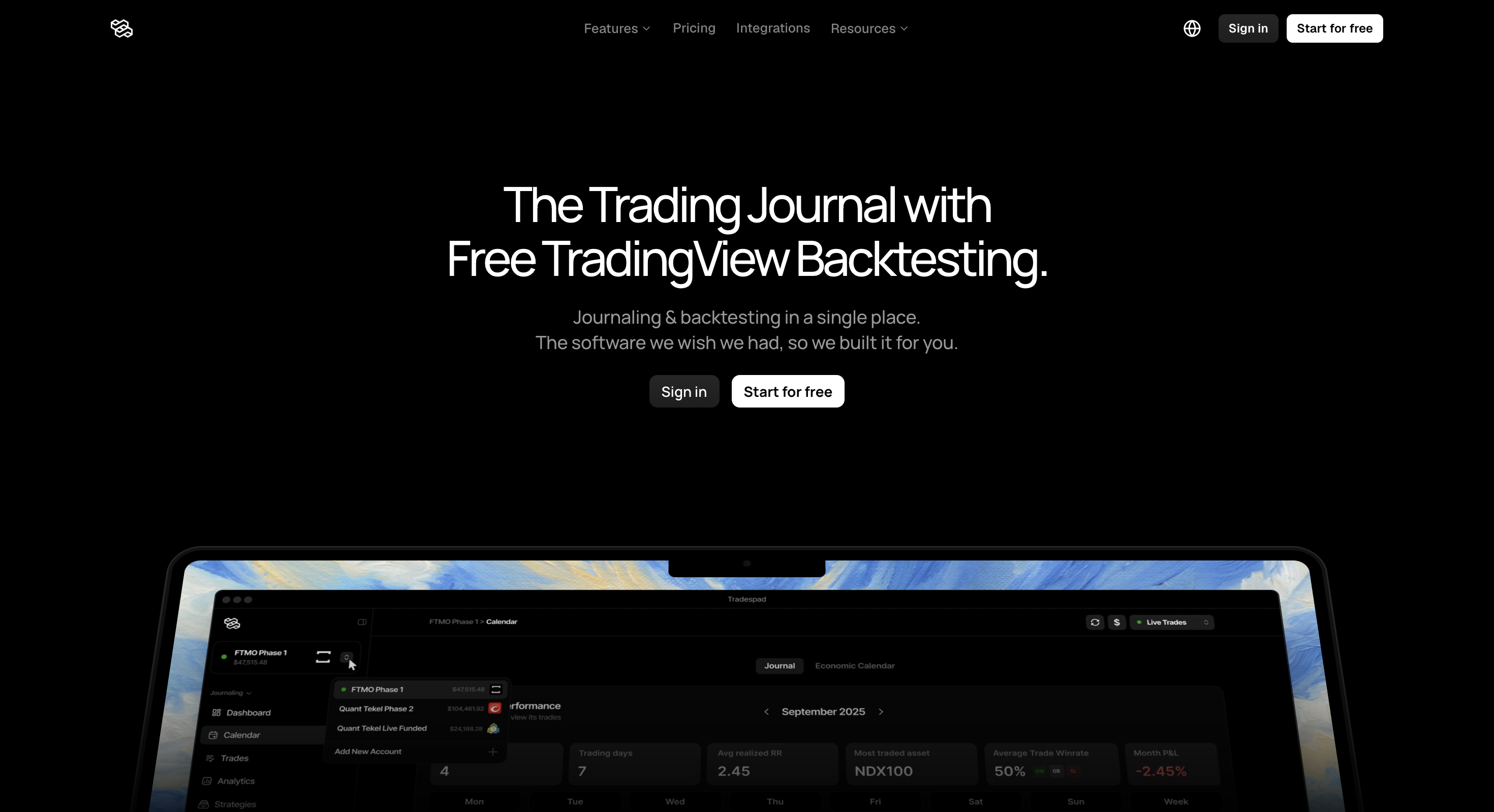
| Manual TradingView replay + journal | Poor: not a TV-powered practice journal | You want Tradespad, Traders Casa or FX Replay |
| Tick-aware discretionary practice | Limited: visual EA mode, not a dedicated manual replay product | You want Forex Tester Online or FX Replay |
Quick verdict
Our take: MetaTrader 5 is still the free automated backtester we trust most for forex/CFD Expert Advisors. Real-tick Strategy Tester modes, multi-threaded optimisation, forward testing and a direct path to a live EA is a serious stack at $0. We would not recommend it as your main tool for no-code manual replay, a practice journal or TradingView-first charting; that is a different job.
The terminal is free via brokers in our compare table. Optional spend is VPS or MQL5 Cloud Network hours if you push huge optimisations. The opinion we keep repeating: backtest quality tracks broker tick/history quality, not the “free software” label. Use real ticks, realistic costs and forward testing, or the pretty curve will lie to you.
MetaTrader 5 backtesting features
Research consensus is clear: MT5 is “good at backtesting” when you use the right modelling mode, realistic costs, and out-of-sample checks, and weak when shoppers treat any high modelling-quality score as proof.
1. Strategy Tester modelling modes
Official modes include Every tick based on real ticks (best accuracy when the broker has ticks), Every tick (generated from M1), 1 minute OHLC (faster screening), and Open prices only (fastest, least accurate). Real-tick mode still cross-checks ticks against M1 bars; mismatched minutes fall back to generated ticks, so sparse broker archives quietly degrade realism.
Strength: you can match tester fidelity to the question (screen vs validate). Weakness: the wrong mode + thin ticks produces beautiful curves that fail live.
2. Multi-threaded optimisation and forward testing
Optimisation reruns the EA across input ranges using local testing agents on all CPU cores. Genetic optimisation explores large spaces quickly; complete search is slower but more exhaustive. Built-in forward testing splits the date range so top parameter sets are re-checked on a later out-of-sample window; essential because genetic search actively hunts lucky peaks.
3. Multi-currency tests and visual mode
Multi-symbol EAs can run in one test; the tester downloads extra history when new symbols/timeframes are touched. Visual mode plays the EA on a chart so you can see entries, indicators and objects; useful for debugging, too slow for mass optimisation (and unavailable during optimisation runs).
4. Cloud Network and Market ecosystem
The MQL5 Cloud Network distributes heavy optimisations across remote agents for a per-agent-hour fee. The MQL5 Market supplies EAs and indicators you can demo-test in the Strategy Tester. That ecosystem is why MT5 remains the default free EA lab, and why low-quality Market “grails” also thrive there.
| Mode | What it is | Status / reality | Best when |
|---|---|---|---|
| Real ticks Strategy Tester | Replay broker tick archive into the EA event model | Free in-terminal · quality = broker tick history | Final validation before demo / live |
| Genetic / complete optimisation | Search EA inputs across many historical passes | Local multi-core; Cloud Network optional paid scale | You need parameter search, then forward-test winners |
| Visual mode | Watch the EA trade history on a chart | Single-run debugging; not for optimisations | You want to see why fills look wrong |
| Manual bar-replay journal | No-code discretionary practice with session logging | Not MT5’s product centre | Choose FX Replay, Tradespad or Traders Casa |
Other MetaTrader 5 features (brief)
Beyond the tester, MT5 is a full broker trading terminal: charts, Depth of Market (where offered), hedging/netting modes, VPS hosting hooks and a huge indicator/EA marketplace. Those matter if you will trade the same EA live from the same stack.
They matter less if you only wanted free TradingView chart replay or a journaling gym with no coding.
MetaTrader 5 pricing for backtesting (2026)
MetaTrader 5 itself is free. You typically download it from a broker or from metatrader5.com. Confirm any broker account requirements, data feeds and optional MetaQuotes services separately.
| Item | Typical public framing | Backtesting impact | Notes |
|---|---|---|---|
| MT5 terminal | $0 via brokers | Full Strategy Tester included | Windows-first desktop platform |
| Historical / tick data | Broker-dependent | Real-tick accuracy rises or falls with the broker archive | Prefer the same broker you will trade live |
| MQL5 Cloud Network | Pay-per-agent-hour (optional) | Speeds huge optimisations | Not required for ordinary single-symbol tests |
| MetaQuotes VPS | Optional monthly hosting | More for live EA uptime than research | Confirm current pricing in the terminal |
Compared with TradingView Essential+ (~$15/mo) just to unlock Bar Replay, MT5’s tester is free, but you pay in MQL5 skill and broker-data diligence instead of a SaaS invoice. Compared with NinjaTrader, MT5 is usually the cheaper forex/CFD EA path; NinjaTrader is the deeper US futures desktop stack.
Where MetaTrader 5 shines for backtesting
- Free, serious Strategy Tester. Event-driven EA simulation without a SaaS subscription.
- Real-tick modelling option. Closest official path to live tick conditions when the broker archive is dense.
- Fast optimisation at scale. Multi-core local agents, genetic search and optional Cloud Network.
- Built-in forward testing. Simple out-of-sample check against optimisation overfitting.
- Multi-currency EA support. One test can touch multiple symbols with history auto-loaded.
- Direct path to live. The same MQL5 EA can go from tester to demo/live on a broker terminal.
The drawbacks (read these carefully)
- Data quality is broker-dependent. Sparse ticks, smoothed spreads, timezone quirks and gaps can invent “99% quality” fantasies.
- MQL5 is required for custom work. Steeper than no-code replay journals or Pine for many beginners.
- Wrong modelling mode ruins conclusions. Open prices / thin ticks are fine for screens, not for final proof.
- Genetic optimisation overfits easily. Use forward periods, robustness checks and demo. Do not ship the top curve blindly.
- Not a manual practice journal. Weak for discretionary TradingView-style replay workflows.
- Windows-first desktop. macOS/Linux users usually need workarounds or a Windows VPS.
- Harsh Trustpilot aggregate. Public scores for metatrader5.com are poor; separate platform capability from broker/support complaints.
Editorial caution: use MetaTrader 5 for free MQL5 Expert Advisor backtesting with real ticks from the broker you will trade. Do not treat modelling-quality percentages, Market “grail” curves or Open-prices screens as live proof, and do not buy MT5 expecting a no-code TradingView replay journal.
Who MetaTrader 5 is for (backtesting)
- Forex/CFD traders building or validating automated Expert Advisors
- Users who want a free Strategy Tester with real-tick and optimisation depth
- Developers who will take the same MQL5 EA from tester to demo/live
- Traders willing to learn modelling modes, costs and forward testing discipline
Who should skip it
- Anyone who needs no-code manual chart replay (FX Replay, Traders Casa, Tradespad)
- Futures traders who want a C# / NinjaScript desktop stack (NinjaTrader)
- Pine Script chart strategists inside TradingView (TradingView)
- Shoppers who refuse to code and only want AI/no-code strategy builders
MetaTrader 5 vs other backtesting tools
Starts-from figures are public entry points and can change. Confirm on each vendor’s site.
| Tool | Starts from | Backtesting focus | Watch out for |
|---|---|---|---|
| MetaTrader 5 | $0 via brokers | MQL5 EA Strategy Tester · real ticks · optimisation | Broker data quality; MQL5 learning curve; not a journal |
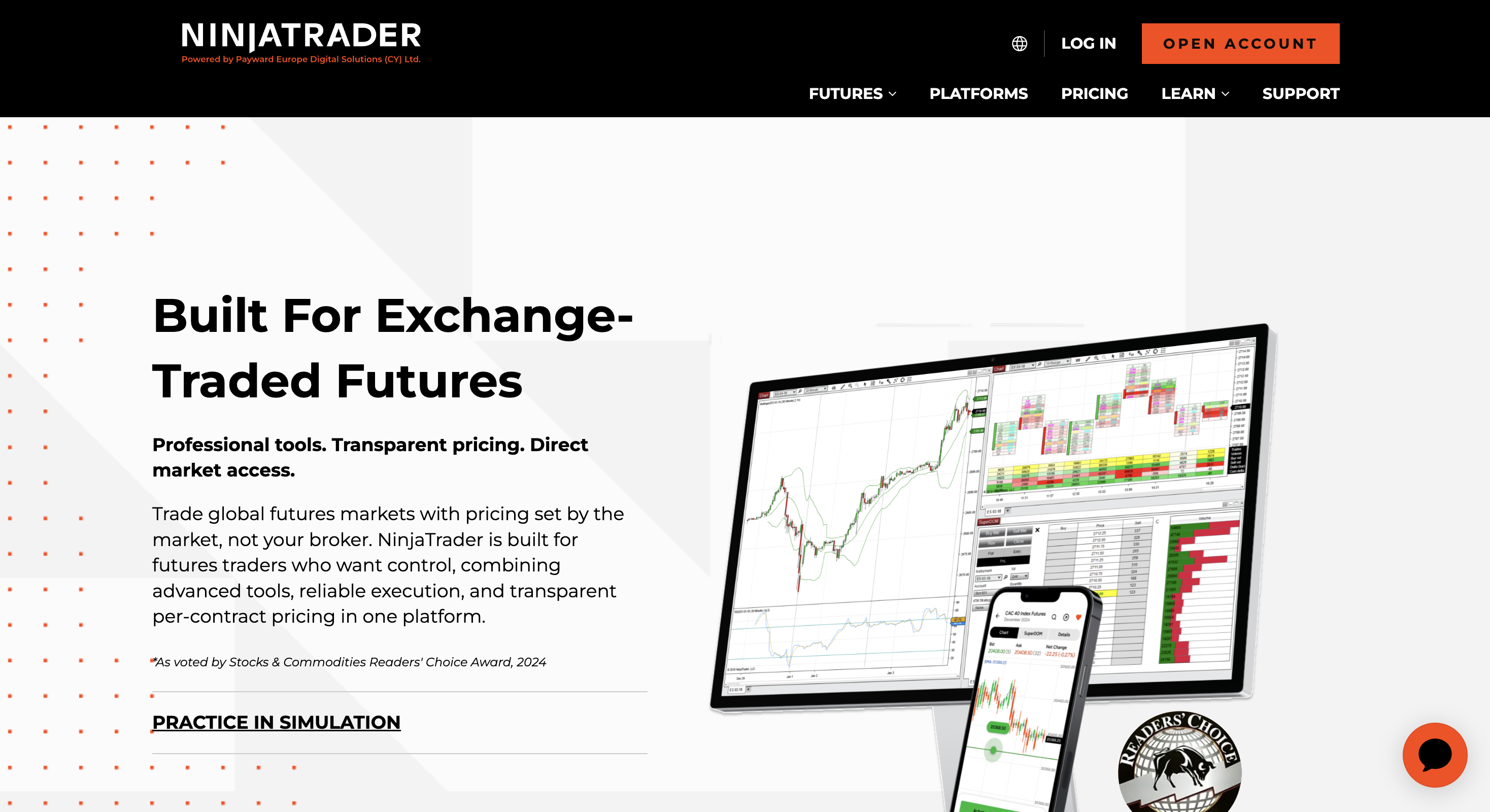
| NinjaTrader | Free / paid futures stack | NinjaScript Strategy Analyzer + Market Replay for futures | Heavier futures-centric ecosystem |
| TradingView | ~$15/mo for Bar Replay | Native Bar Replay + Pine Strategy Tester | No free Bar Replay; no MQL5 EA path |
| FX Replay | $0 · $17.99 / $35 paid | TradingView-powered manual replay + journal | Not an EA optimisation engine |
| Forex Tester Online | $0 demo · ~$200/300 a year paid | Manual tick-focused browser replay practice | Not MQL5 Strategy Tester |
Final verdict
Choose MetaTrader 5 for backtesting when you need a free, serious MQL5 Expert Advisor lab with real-tick modes, optimisation and a live-EA path at a broker. Skip it when you need no-code manual replay, a practice journal, or futures/Pine research as the main job. Used correctly (real ticks, realistic costs, forward testing, then demo), MT5 remains one of the best free automatic backtesting options in our comparison set. Used carelessly, it is also one of the easiest ways to manufacture a curve that never survives live spreads.
Still deciding? Compare it with NinjaTrader, TradingView, FX Replay and our comparison table before you commit to an MQL5-only research stack.
FAQ
Whether MT5 is good for backtesting, real-tick modes, free access, multi-currency tests, overfitting risks, Trustpilot themes, and alternatives.
Prezzi e funzionalità cambiano spesso. Conferma sempre i dettagli attuali sul sito ufficiale di MetaTrader 5.