Overview
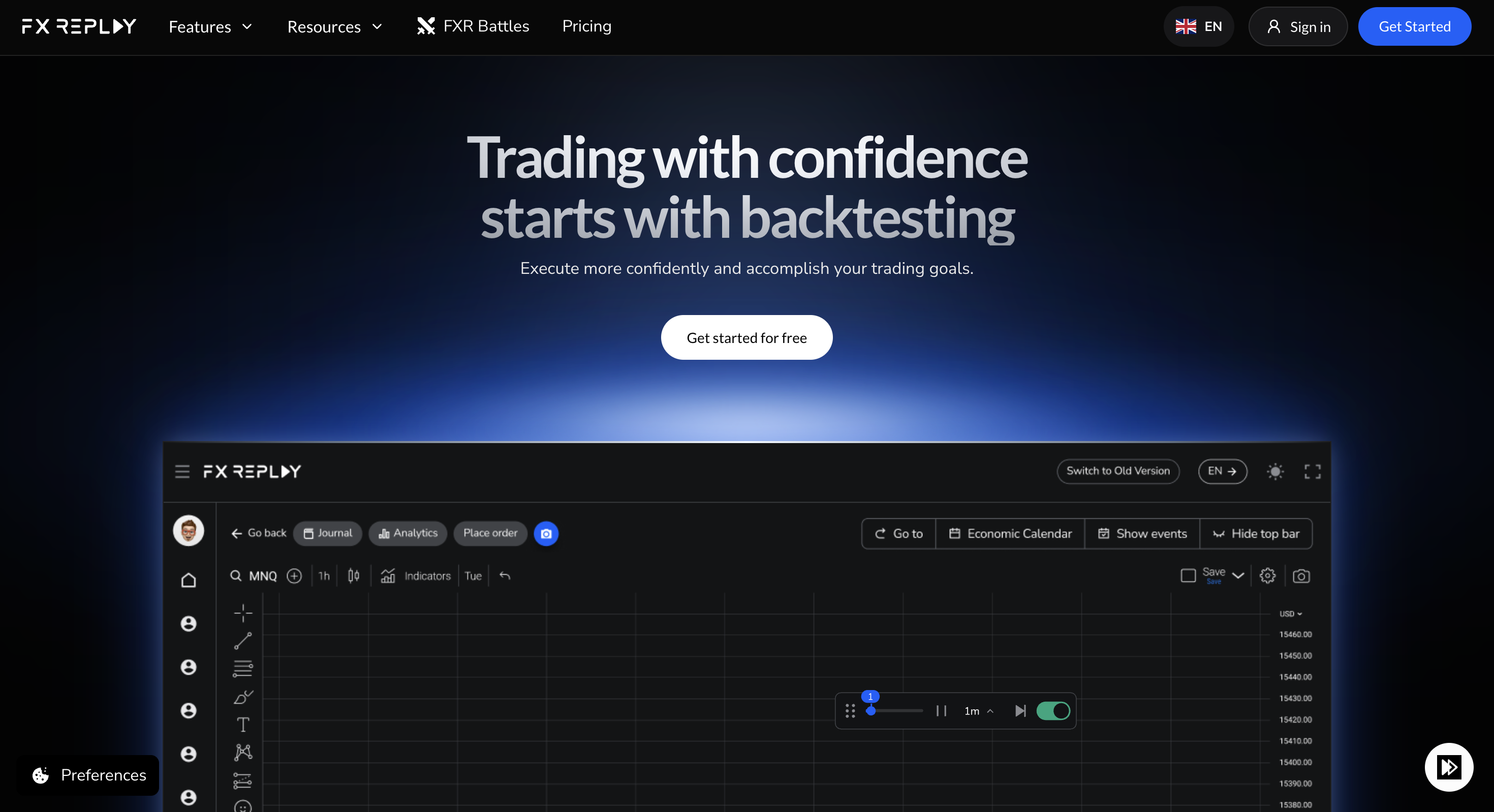
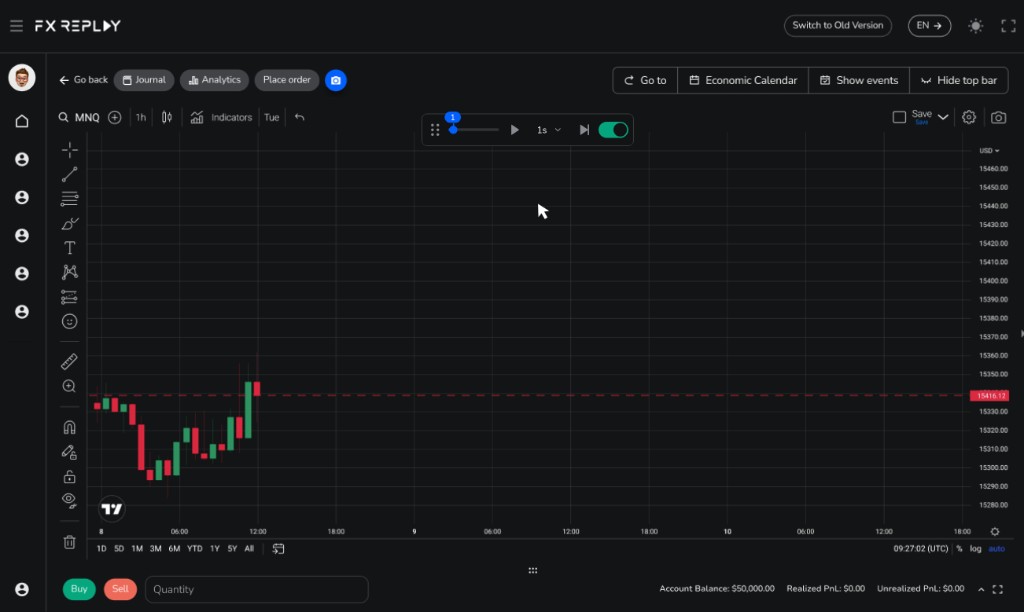
FX Replay is a browser platform for replaying historical markets and practising manual chart execution on TradingView-powered charts. Traders place entries, stops and targets on the chart, review sessions in a built-in journal, use session analytics, and optionally write FXR Script indicators. There is a permanent Beginner Free plan with tight caps (2 sessions, 1-month max duration, 1-week retention); Intermediate ($17.99/mo or $180/yr) and Pro ($35/mo or $350/yr) unlock deeper practice, with Pro adding seconds-level data and futures/CME coverage. It is strongest as a dedicated manual replay gym, not for unlimited free sessions or EA/quant coding.
Best for
Manual traders who want TradingView chart market replay with journal and analytics, and will pay Intermediate/Pro once Free caps bite.
Not ideal for
Anyone who needs unlimited free sessions, drop-in Pine Script, or MetaTrader/NinjaTrader-style coded research.
Key backtesting features
- TradingView-powered market replay with chart-based trade entry
- Built-in journaling, tags, checklists and session analytics
- Permanent free plan plus Intermediate/Pro upgrades
- Optional FXR Script; Pro adds seconds data and futures/CME
Pros and cons
Pros
- TradingView charts for manual replay practice
- Journal and analytics included with replay
- Permanent free plan with no credit card
- Clear Intermediate/Pro path including Pro data depth
Cons
- Free caps are tight (2 sessions, 1-week retention)
- Pro required for seconds data and futures/CME
- Not for automated EA / multi-symbol coding research
- Lag and lower-TF indicator issues appear in some reviews
What FX Replay is
FX Replay’s job is realistic manual practice: replay historical forex, futures, stocks, indices and crypto, place simulated trades on the chart, journal outcomes, and review analytics. Charting is powered by TradingView. Optional FXR Script lets you build custom indicators inside the platform; Pine Script does not paste 1:1.
The design goal is a replay gym with journal + analytics attached, not a free forever unlimited session product like some TV-powered competitors, and not MetaTrader Strategy Tester for Expert Advisors. Trustpilot themes often praise support and the TradingView feel; they also surface lag, lower-timeframe indicator friction and occasional bugs that serious users should test before committing to Pro.
| Job | FX Replay fit | Better first choice when… |
|---|---|---|
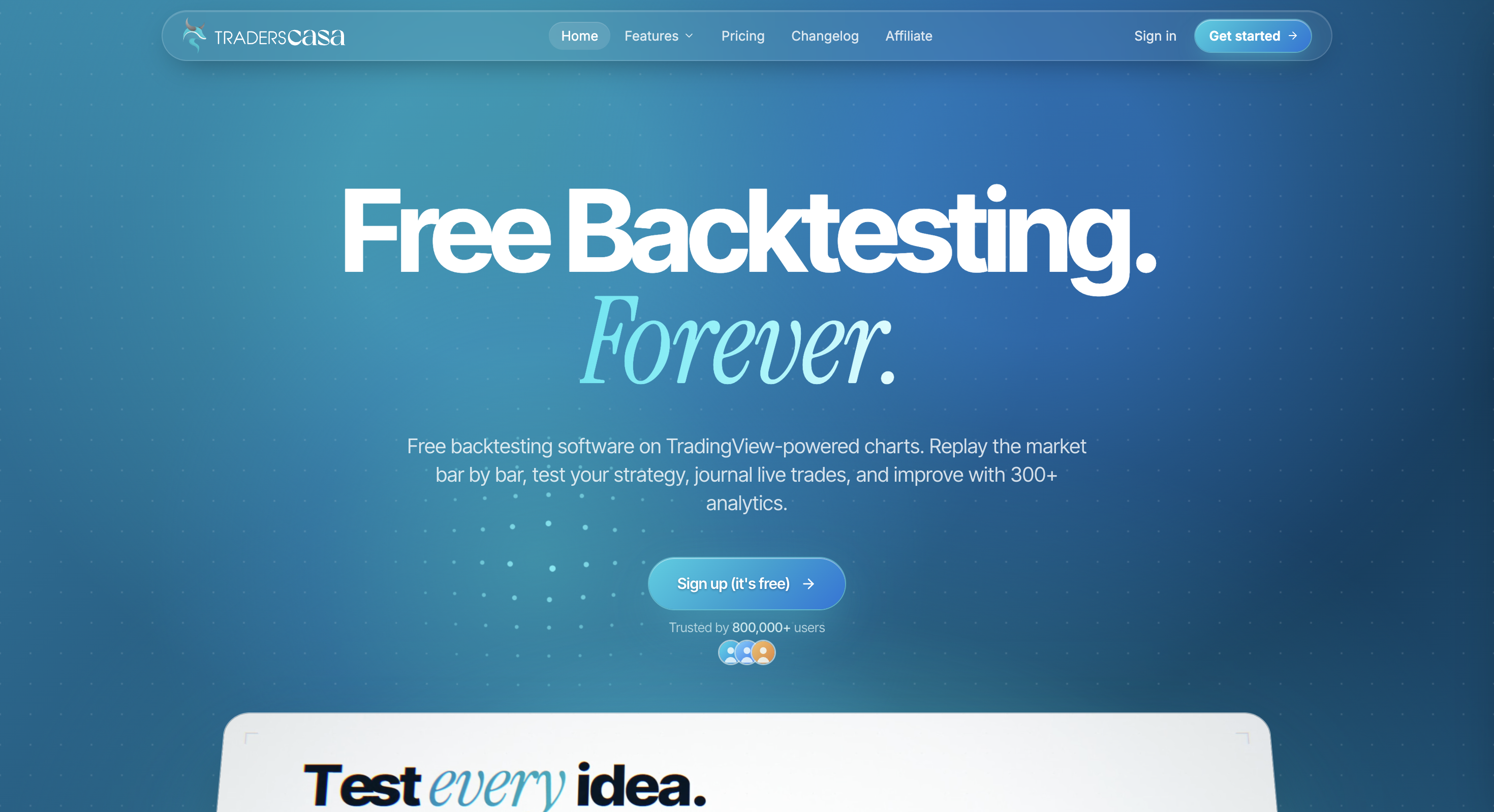
| TradingView chart market replay | Strong: TV-powered charts with chart-based trade entry | You need unlimited free sessions (Traders Casa) |
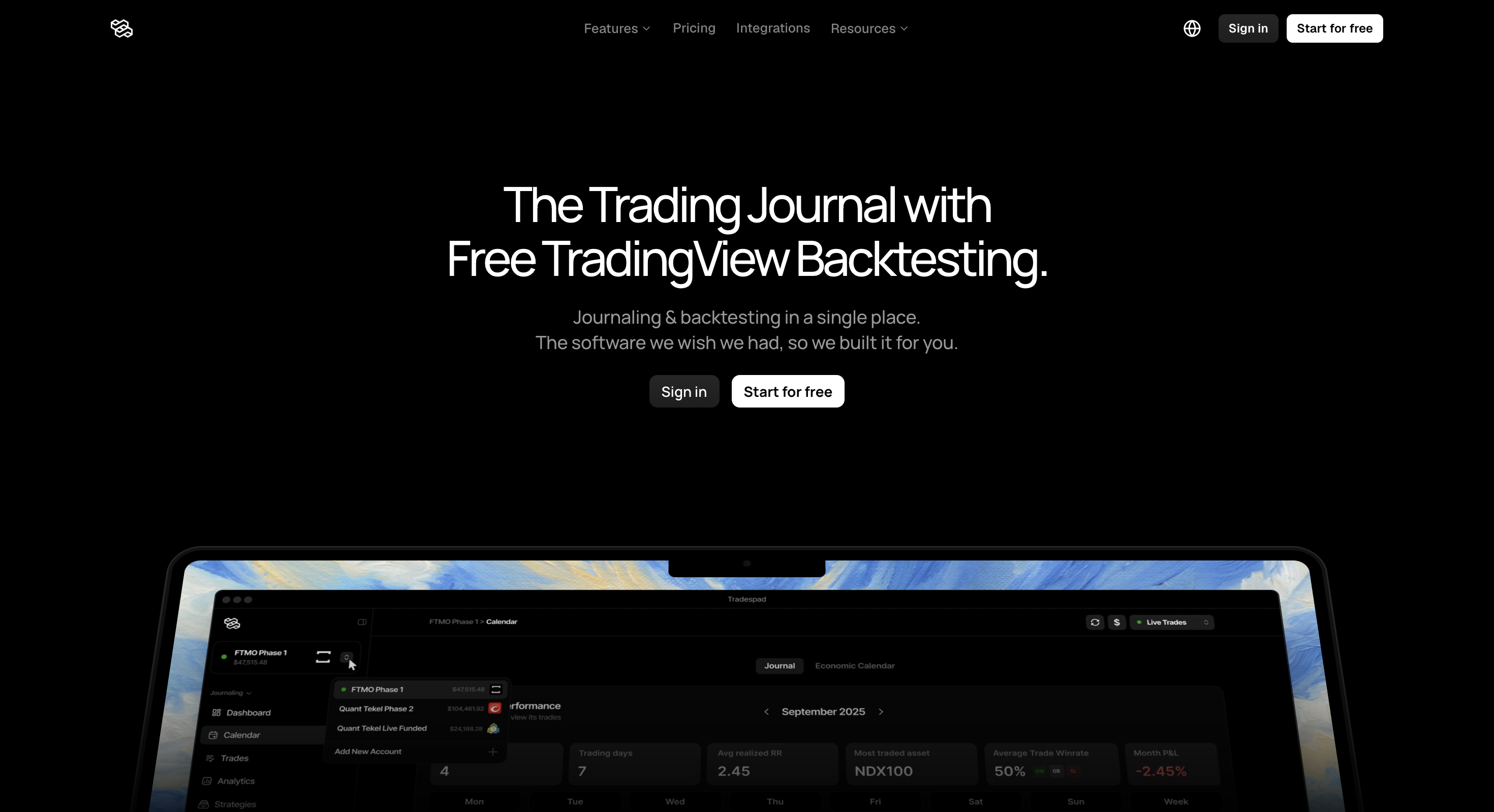
| Replay + journal in one product | Strong: built-in journal, tags, checklists and analytics | You want a journal-first free start (Tradespad) |
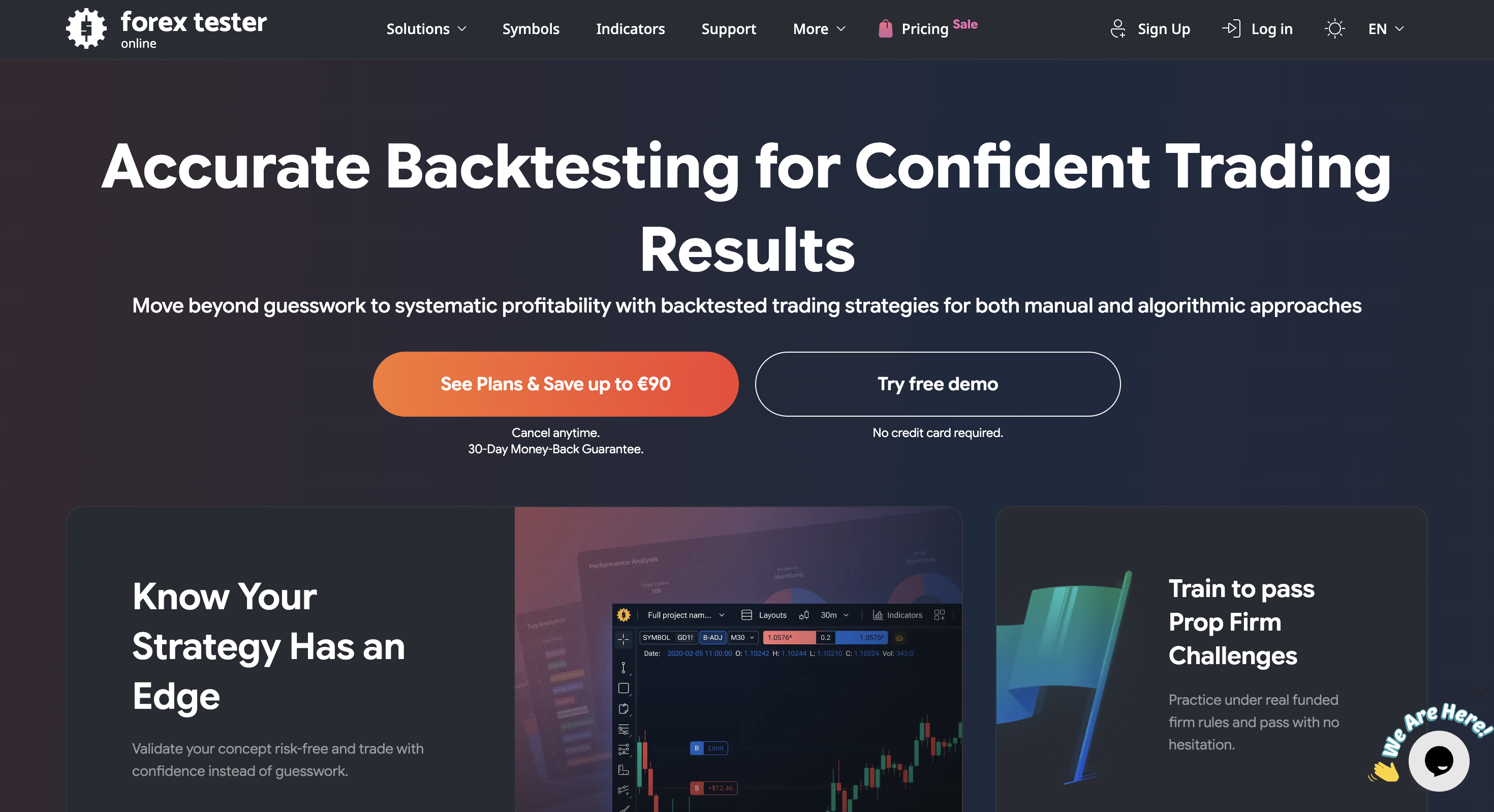
| Tick / seconds-level futures practice | Pro-tier: seconds data, futures/CME and custom timeframes | You want Forex Tester-style tick tools without TV (Forex Tester Online) |
| Automated EA / quant research | Poor as a primary MQL5/C#/Python research environment | You need MetaTrader 5 or NinjaTrader |
Quick verdict
Our take: FX Replay is the dedicated TradingView-powered replay gym we like when practice (not a giant journal suite) is the main job. Chart order entry, built-in journaling and session analytics in one browser product is a strong combo if you will train every week. We would steer you elsewhere for unlimited free sessions, a deep free forever history plan, or coded EA research.
We list Beginner Free ($0), Intermediate ($17.99/mo or $180/yr), and Pro ($35/mo or $350/yr). Free is permanent and useful for evaluation, but in our view the caps (2 sessions, 1-week retention, 1-month max duration) make it an evaluation tier; Intermediate is where most serious weekly practice actually starts.
FX Replay backtesting features
The product is built around accelerated historical market replay with journaling and analytics. Plan gates decide how many sessions you can keep, how deep retention goes, and whether Pro data extras unlock.
1. TradingView-powered market replay
You replay history in the browser on TradingView charts, place entries, stops and targets on the chart, and control replay speed for manual practice. Configurable spreads and commissions help make sessions feel closer to live costs.
Strength: familiar TV chart UX for manual traders. Weakness: Free and Intermediate caps (sessions, indicators, charts, retention) arrive quickly if you practise often.
2. Built-in journal and session analytics
Trades can auto-log into a journal with notes, screenshots, tags, checklists and filters. Analytics cover session/strategy review; Intermediate and Pro add tools such as Monte Carlo and RR simulators on the public plan comparison.
3. Optional FXR Script and AI extras
FXR Script is FX Replay’s indicator language for custom tools inside replay (optional), not required for core use. Paid plans also market limited (Intermediate) or unlimited (Pro) AI queries. Treat AI as a coaching/analysis layer around manual practice, not as a full automated strategy engine.
4. Free caps versus Intermediate / Pro depth
Beginner Free is real and permanent, but tight: 2 sessions, 50 trades per session, 1-month max session duration, 1-week retention, 1 indicator. Intermediate raises those ceilings for weekly practice. Pro removes the main caps and adds seconds-level data, futures/CME data and custom timeframes.
| Mode | What it is | Status / plan reality | Best when |
|---|---|---|---|
| Market replay | Historical simulation with chart order entry and review | Live. Free = 2 sessions / 1 month duration; paid unlocks more | You want TV-powered manual practice in the browser |
| Journal + analytics | Session notes, tags, checklists, strategy stats | Journal on all plans; deeper analytics on paid tiers | You want replay and review without a second app |
| Seconds / futures data | Higher-resolution replay and CME/futures coverage | Pro on the public plan comparison | You scalp, trade futures, or need sub-minute precision |
| Automated strategy engine | Code-first multi-symbol portfolio testing | Not this product’s centre of gravity | Choose TrendSpider, MT5 or NinjaTrader |
Other FX Replay features (brief)
Beyond raw replay, marketing covers multi-chart layouts, economic calendar filters, auto break-even / rewind tools on paid tiers, prop firm challenge-style practice, community indicators and crypto payment options. Treat those as suite extras around the replay engine.
Those extras matter if FX Replay becomes your weekly practice gym. They matter less if you only needed free unlimited TV chart sessions.
FX Replay pricing (2026)
FX Replay publishes three tiers on fxreplay.com/pricing. Confirm live checkout figures before you buy (taxes may apply).
| Plan | Public price | Sessions / retention | Notes |
|---|---|---|---|
| Beginner (Free) | $0 · no card | 2 sessions · 50 trades · 1 month duration · 1 week retention | Permanent free tier; interface test, not deep validation |
| Intermediate | $17.99/mo or $180/yr | 10 sessions · 200 trades · 6 months retention · 3 indicators | Typical paid landing zone for weekly forex practice |
| Pro | $35/mo or $350/yr | Unlimited sessions, trades, retention, indicators, charts | Seconds data, futures/CME, custom TFs, unlimited AI |
Compared with Traders Casa Free forever unlimited sessions, FX Replay Free is intentionally capped. Compared with Forex Tester Online’s ~$200/$300 a year packaging, FX Replay pushes a clearer monthly Intermediate/Pro path with TradingView charts included.
Where FX Replay shines
- TradingView-powered replay. Familiar charts for manual traders who already think in TV.
- Replay + journal + analytics in one place. Less need for a second journaling app during practice.
- Real permanent free plan. No card, no forced trial conversion; enough to evaluate the product.
- Clear Intermediate / Pro upgrade path. Caps and Pro data extras are spelled out on the pricing page.
- Optional FXR Script. Custom indicators without leaving the replay environment.
- Mature public review sample. Hundreds of Trustpilot reviews help set expectations on support and friction.
The drawbacks (read these carefully)
- Free caps are tight. 2 sessions, 1-week retention and 1 indicator make Beginner an evaluation tier, not a working plan.
- Intermediate still has ceilings. 10 sessions, 200 trades, 6-month retention and 3 indicators can bite heavy users.
- Pro is required for key data extras. Seconds-level intervals, futures/CME data and custom timeframes sit on Pro.
- Not unlimited free TV practice. Traders Casa remains cheaper if free unlimited sessions are the only job.
- Not automated EA research. Manual replay first; FXR Script is for indicators, not MQL5 portfolios.
- Performance complaints appear on Trustpilot. Lag, lower-timeframe indicator issues and occasional bugs show up in public reviews.
- Pine Script is not drop-in. Custom TV indicators need adaptation to FXR Script.
Editorial caution: buy FX Replay for TradingView chart market replay with journal and analytics when you will hit Free caps and still prefer a dedicated replay gym. Do not buy it expecting unlimited free sessions, drop-in Pine Script, or a MetaTrader-style automated research environment.
Who FX Replay is for
- Manual traders who want TradingView charts for historical execution practice
- Users who want replay, journaling and analytics in one browser product
- Traders willing to pay ~$18-$35/month once Free session caps block them
- Futures/scalpers who specifically need Pro seconds data and CME coverage
Who should skip it
- Anyone who needs unlimited free TV-powered sessions (Traders Casa)
- Shoppers who want a freer free journal-first start (Tradespad)
- Traders who prefer Forex Tester-style tick tools without TradingView (Forex Tester Online)
- Quants who need MQL5, NinjaScript or Python as the primary research language
FX Replay vs other backtesting tools
Starts-from figures are public entry points and can change. Confirm on each vendor’s pricing page.
| Tool | Starts from | Backtesting focus | Watch out for |
|---|---|---|---|
| FX Replay | $0 · $17.99 / $35 paid | TradingView chart browser replay + journal + analytics | Tight Free caps; Pro needed for seconds/futures depth |
| Traders Casa | $0 | Unlimited Free TV-powered sessions (~6 months history) | Ads on Free; live journal on Pro |
| Tradespad | $0 | TradingView chart backtesting + journaling | Manual only; Free session caps |
| Forex Tester Online | $0 demo · ~$200/300 a year paid | Browser Forex Tester-style market replay + practice tools | Thin free history; no TradingView charts |
| BacktestingMax | $0 | Free FX/metals replay + AI strategies + prop challenges | Other markets need Premium; not TV-first |
Final verdict
Choose FX Replay when you want TradingView chart market replay with journaling and analytics in a dedicated browser gym, and you expect to outgrow Beginner Free quickly. Skip it when you need unlimited free sessions, drop-in Pine Script, or EA/quant coding as the main workflow. For traders who will actually use Intermediate or Pro enough to justify ~$18-$35/month, FX Replay is one of the stronger manual-replay options in our comparison set.
Still deciding? Compare it with Traders Casa, Tradespad, Forex Tester Online and our comparison table before you pay for session depth you will not use.
FAQ
Free plan limits, Intermediate/Pro pricing, TradingView charts, FXR Script, futures data, Trustpilot themes, and alternatives.
Pricing and features change often. Always confirm current details on the official FX Replay website.