Overview
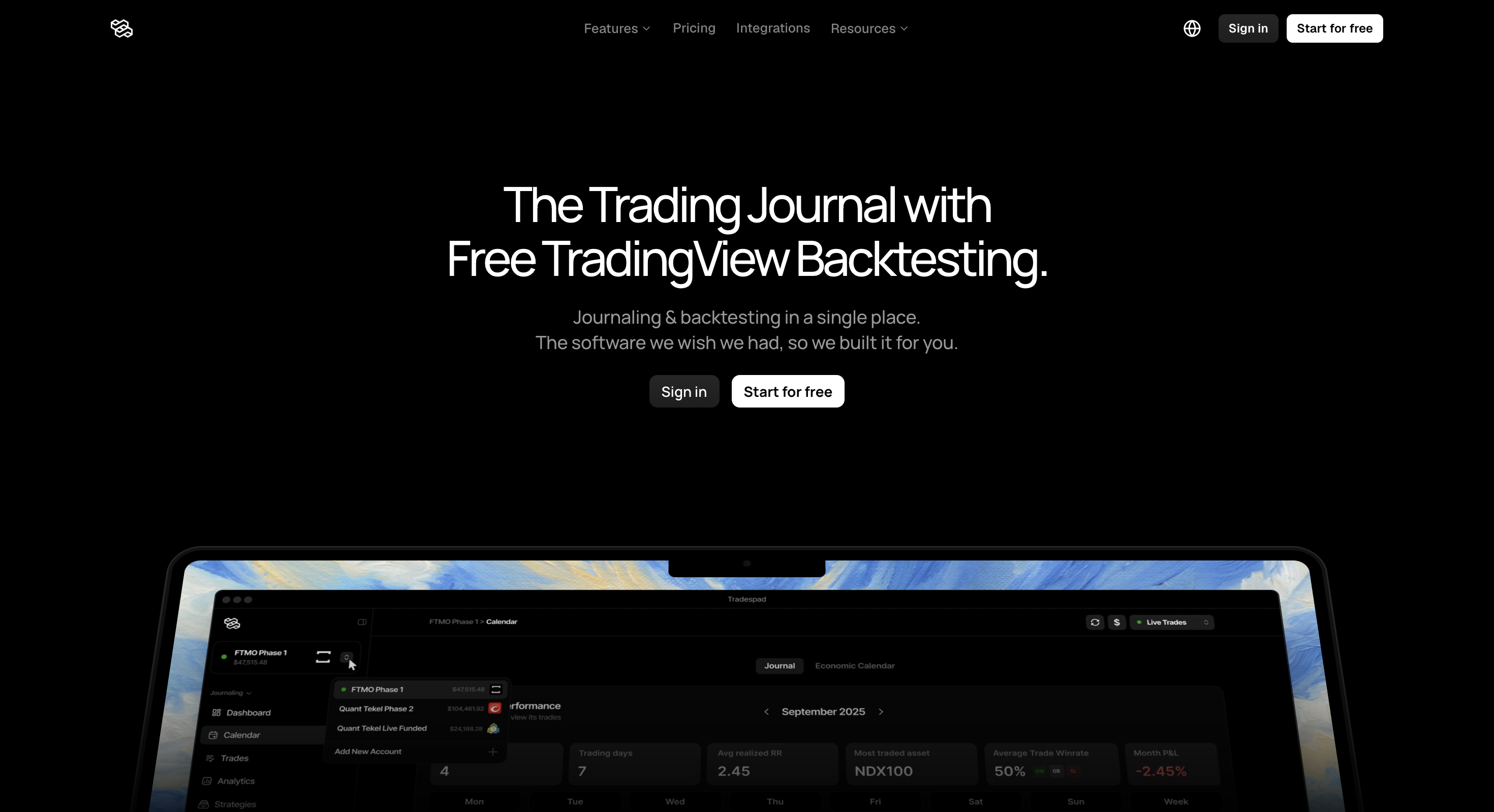
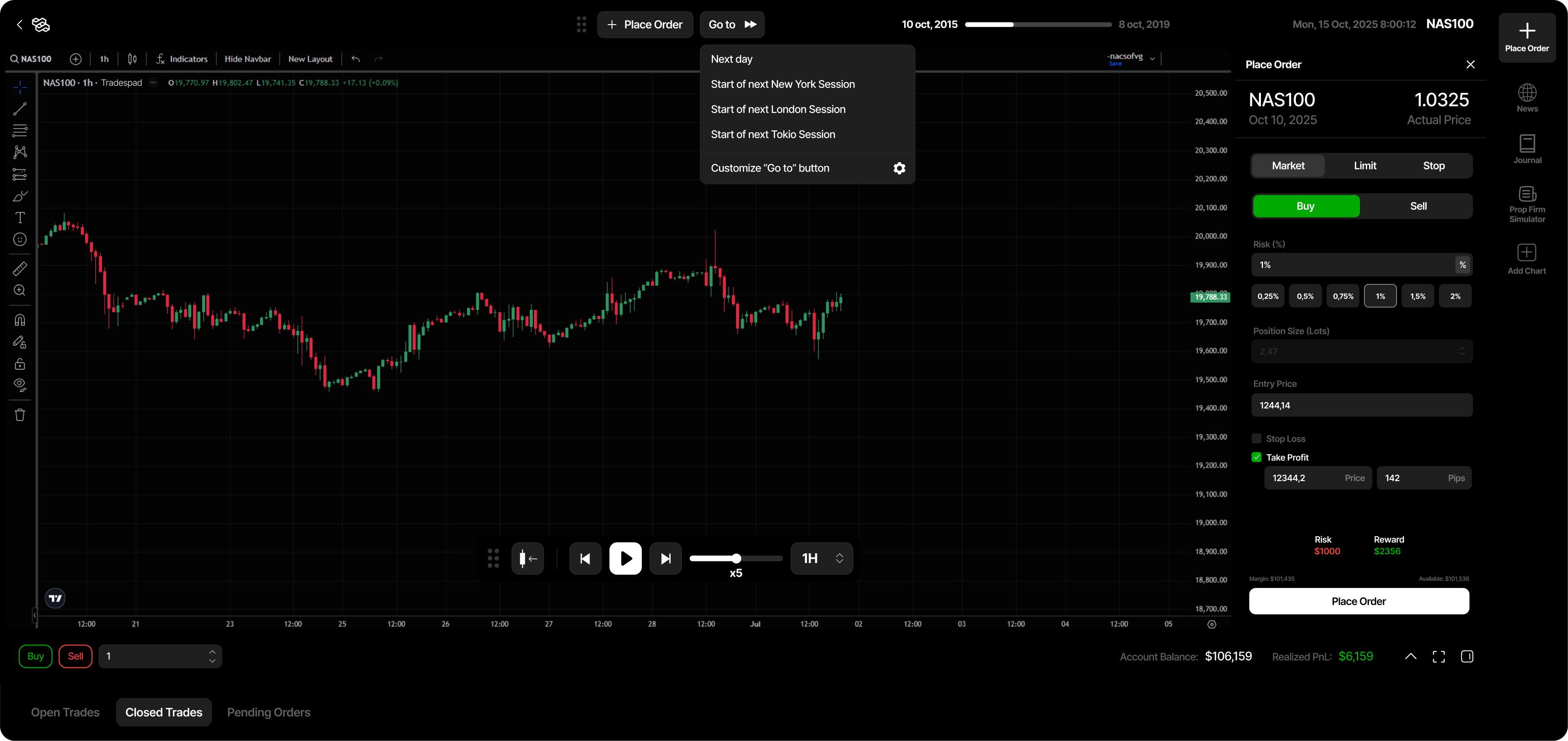
Tradespad is a web trading journal, analytics and TradingView chart backtesting platform. It is less widely known than some premium journal suites, but at a product level it is our top pick when journaling and backtesting are the priority: a minimalist, simple interface, bar-by-bar TradingView chart practice, and a real free forever plan. You can place simulated trades with stop loss and take profit, then review results in the same workflow as live journaling. It is not for shoppers who need automated strategy research or a large AI journaling suite. Public pricing starts at Free ($0), then Basic ($19/mo) and Pro ($29/mo) for more accounts, broker auto-sync for live trades, fuller analytics, deeper session history and more backtesting sessions.
Best for
Traders who want a simple journal plus TradingView chart backtesting as the main priority, with a real free plan to start.
Not ideal for
Stock traders, anyone who needs automated/AI strategy backtesting, or a Python/C#/MQL research environment.
Key backtesting features
- TradingView chart bar-replay backtesting
- Simulated trade management with draggable stop loss and take profit
- Journaling linked to backtesting sessions
- Visual filtered analytics and P&L calendar
- Broker auto-sync for live trades on paid plans (650+ brokers cited)
Pros and cons
Pros
- Most intuitive and clean interface of the tools we compare
- Real free forever plan with TradingView chart backtesting
- Journal and backtest in one clean product, with +650 broker integrations for live journaling
- Familiar TradingView charts and simulated risk tools
- Paid Basic/Pro pricing stays below denser AI journal suites
Cons
- Manual bar-replay only; no automated strategy engine
- Not a code-based quant research stack
- Fewer suite extras than denser premium journals
- Trustpilot sample is still small versus incumbents
What Tradespad is
Tradespad combines journaling, analytics and TradingView chart backtesting. You can stack accounts, log live trades (manual or broker sync), review results in filtered analytics and a P&L calendar, and replay markets bar by bar with stop loss, take profit and order tools.
The design goal is a cleaner, more minimal surface than full AI journal suites: more chart practice than a spreadsheet journal, fewer features fighting for attention, and a free forever plan so you can test the workflow before paying. That simplicity is why it ranks highly here for free manual backtesting without a $35-$99/month commitment, even if fewer traders have heard the name yet.
| Job | Tradespad fit | Better first choice when… |
|---|---|---|
| Review live trades | Strong: multi-account journal, tags, notes, visual analytics | You need mentor Spaces, AI agents or prop-rule replay depth |
| Manual chart practice | Strong: TradingView bar replay with SL/TP and session journaling | You want a replay-only specialist (see FX Replay) |
| Automated strategy validation | Poor: no automated / AI rule engine | You need no-code or code-based automated runs (TrendSpider, MetaTrader 5) |
| Code-driven quant research | Poor: no Python / C# / MQL research environment | You need NinjaTrader or MetaTrader 5 |
Quick verdict
Our take: Tradespad is not the loudest name in the space, and that is fine. At a product level, we still think it is the best pick when journaling and TradingView chart backtesting are your real priority. The minimalist, simple interface is a big reason it wins points with us: less clutter, faster daily use, and a free forever start where bar replay is not locked behind a premium-suite tax. We would not pick it if your real job is automated strategy engines, tick EA optimisation or a heavy AI mentor product.
On price, we list Free ($0), Basic ($19/mo) and Pro ($29/mo). In our view the paid tiers are worth it when you need more accounts, broker sync, fuller analytics or longer session history, not when Free already covers your practice volume. Brand awareness lags bigger journal suites; product fit for journal + backtesting does not, which is why we rank it so highly here.
Tradespad backtesting features
Live backtesting is manual and chart-based: TradingView charts, bar-by-bar replay, simulated trade management, and results that feed the same journaling surface as live trades.
1. TradingView chart bar replay (live)
Backtesting runs on TradingView charts, so the workflow feels close to how many traders already analyse markets. You can replay history, step through bars or sessions, and use familiar chart tools.
Tradespad markets about 24+ years of market data on the platform. That is the catalogue of available history, not what every plan can use in a single session. Official max session history is up to 1 year on Free, up to 10 years on Basic and up to 23 years on Pro.
Strength: low learning curve and free access to start. Weakness: manual practice only, not automated runs across large symbol universes.
2. Simulated trade management (live)
During replay you can place orders and manage risk with draggable stop loss, take profit and limit-style tools. Public pages also highlight automatic entry and exit markers for backtested trades on TradingView charts, which helps review later without reconstructing trades from memory.
3. Backtesting sessions tied to journaling (live)
Backtests are sessions you can journal, not orphaned chart practice. Official limits: Free up to 3 sessions; Basic up to 5; Pro unlimited. Unlimited trades per session are listed on every plan. Session count and session history depth are the main gates.
4. Planned features (Soon (not live))
Public pricing and feature pages still label these as Soon: custom indicators, Communities, Mobile App, Backtesting News, Prop Firm Simulator, and Trade Replay for live trading days. Do not buy on the strength of roadmap items. TradingView bar-replay backtesting itself is already available, including on Free.
| Mode | What it is | Status / plan reality | Best when |
|---|---|---|---|
| TradingView bar replay | Step through history on TradingView charts | Live. Free: up to 1 year/session; Basic: up to 10 years; Pro: up to 23 years | You want familiar charts without a separate replay app |
| Simulated trade management | SL/TP and order tools during replay | Live in the backtesting workflow | You need realistic practice, not just chart markup |
| Trade Replay (live days) | Replay your trading days and trades on TradingView charts | Soon (not live) | Do not treat as available yet; use bar-replay backtesting instead |
| Automated backtesting | Rule/AI engine against history | Not offered | Choose another tool if automation is the main job |
Other Tradespad features (brief)
Outside backtesting, Tradespad is a multi-account trading journal: manual logging on Free, broker auto-sync for live trades on Basic and Pro (650+ brokers/platforms cited), strategies/tags, screenshots and notes, a P&L calendar, and filtered analytics by symbol, time and strategy. Metrics include win rate, risk/reward, duration and drawdown. The interface stays intentionally light compared with denser suites.
Those journal tools matter if you review live sessions every week. They matter less if you only want a pure market-replay gym.
Tradespad pricing (2026)
Figures below match Tradespad’s publicly listed Free / Basic / Pro cards on tradespad.com/pricing. Confirm live limits before you subscribe. Session history is the max historical range per backtesting session, not the full platform data catalogue (marketed at about 24+ years).
| Plan | Monthly | Accounts | Backtesting sessions | Session history | Journaling note |
|---|---|---|---|---|---|
| Free | $0 | 1 | Up to 3 | Up to 1 year | Manual journaling only; no live-trade auto-sync; limited analytics |
| Basic | $19 | Up to 3 | Up to 5 | Up to 10 years | Live-trade auto-sync (650+ brokers cited) + unlimited automatic analytics |
| Pro | $29 | Unlimited | Unlimited | Up to 23 years | Live-trade auto-sync + unlimited accounts, strategies and backtesting journal depth |
Compared with TradeZella’s paid-only Essential ($35/mo) / Pro ($59/mo) / Ultra ($99/mo) stack, Tradespad is cheaper to try and keep if journaling plus TradingView replay is enough. Paid upgrades unlock capacity and live-trade auto-sync, not automated AI backtesting. Communities and the Mobile App remain Soon on every plan.
Where Tradespad shines
- Real free forever plan. Journaling and TradingView chart backtesting without a card.
- TradingView chart backtesting. Familiar charts with simulated risk tools, without bolting a separate replay app onto a spreadsheet journal.
- Journal and backtest together. Session practice and live trade review share one analytics surface.
- Simple interface. Useful if denser journal suites feel overwhelming.
- Visual filtered analytics. Symbol, time and strategy filters plus a P&L calendar.
- Broker auto-sync on paid plans. Basic and Pro unlock live-trade sync across a large broker/platform list (650+ cited).
- Lower paid pricing than large AI journals. Basic and Pro expand sync, session history and limits without jumping to TradeZella’s Essential floor.
- Multi-account journaling. Stacking accounts is a marketed use case, including prop-style workflows.
The drawbacks (read these carefully)
- No automated backtesting. Manual replay only. There is no rule builder or AI engine that runs strategies for you.
- Free limits are tight. 1 account, up to 3 sessions, up to 1 year of session history, and no live-trade auto-sync (manual journaling only). Heavy daily practice or broker sync usually needs Basic or Pro.
- Not a quant research stack. No Python, C#, MQL or Pine strategy lab.
- Several extras are still Soon. Custom indicators, Communities, Mobile App, Backtesting News, Prop Firm Simulator and Trade Replay (live days) are not live features.
- Fewer suite extras than larger premium journals. If you want AI agents, mentor Spaces and education in one brand, denser competitors still lead on feature count.
- Trustpilot sample is small. As of this review, Trustpilot lists a 4.5 TrustScore from 13 reviews (UK/US profiles). That is early social proof, not a large sample, and Trustpilot notes the company has not recently invited reviews.
- Manual work remains. Bar-by-bar practice is effective and slow. Overnight optimisation needs another tool.
Editorial caution: buy Tradespad for live TradingView chart backtesting plus a clean journal with a free start. Do not buy it for automated strategy research, AI agents or roadmap features labelled Soon.
Who Tradespad is for
- Traders who want journaling and TradingView chart backtesting together
- Beginners and intermediates who need a real free plan to start
- Prop and multi-account users who want a simple place to stack journals
- Anyone replacing Notion or spreadsheet journals with visual analytics
Who should skip it
- Traders who need automated or AI strategy backtesting
- Quants who need Python, Pine, MQL5 or C# as the research language
- Users shopping mainly for mentor/AI ecosystems and education stacks
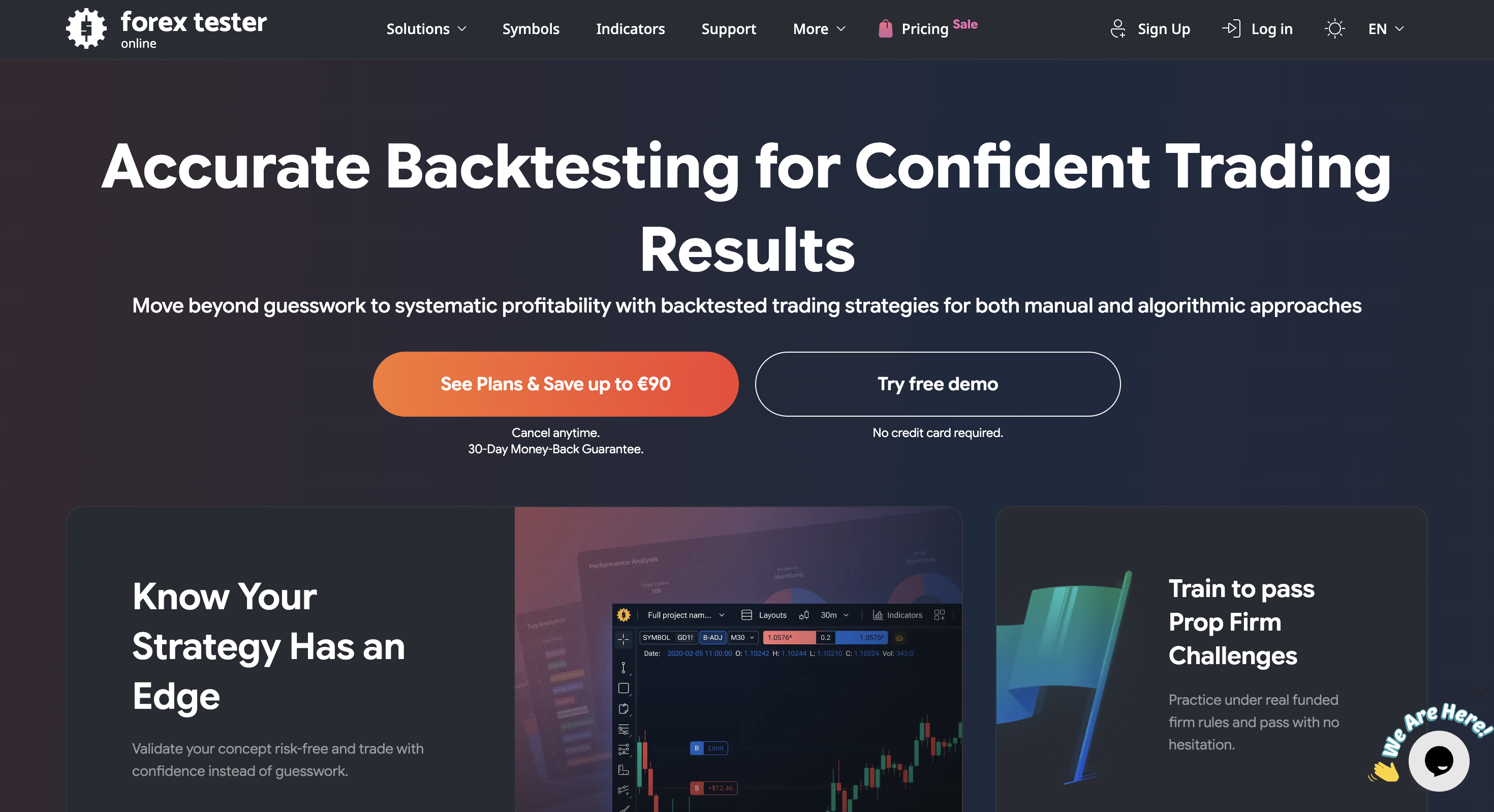
- Anyone who only wants desktop offline replay depth (consider Forex Tester Online)
Tradespad vs other backtesting tools
Starts-from figures are public entry points and can change. Confirm on each vendor’s pricing page.
| Tool | Starts from | Backtesting focus | Watch out for |
|---|---|---|---|
| Tradespad | Free | TradingView chart backtesting + journaling | Manual only; Free caps at 3 sessions / 1 year history |
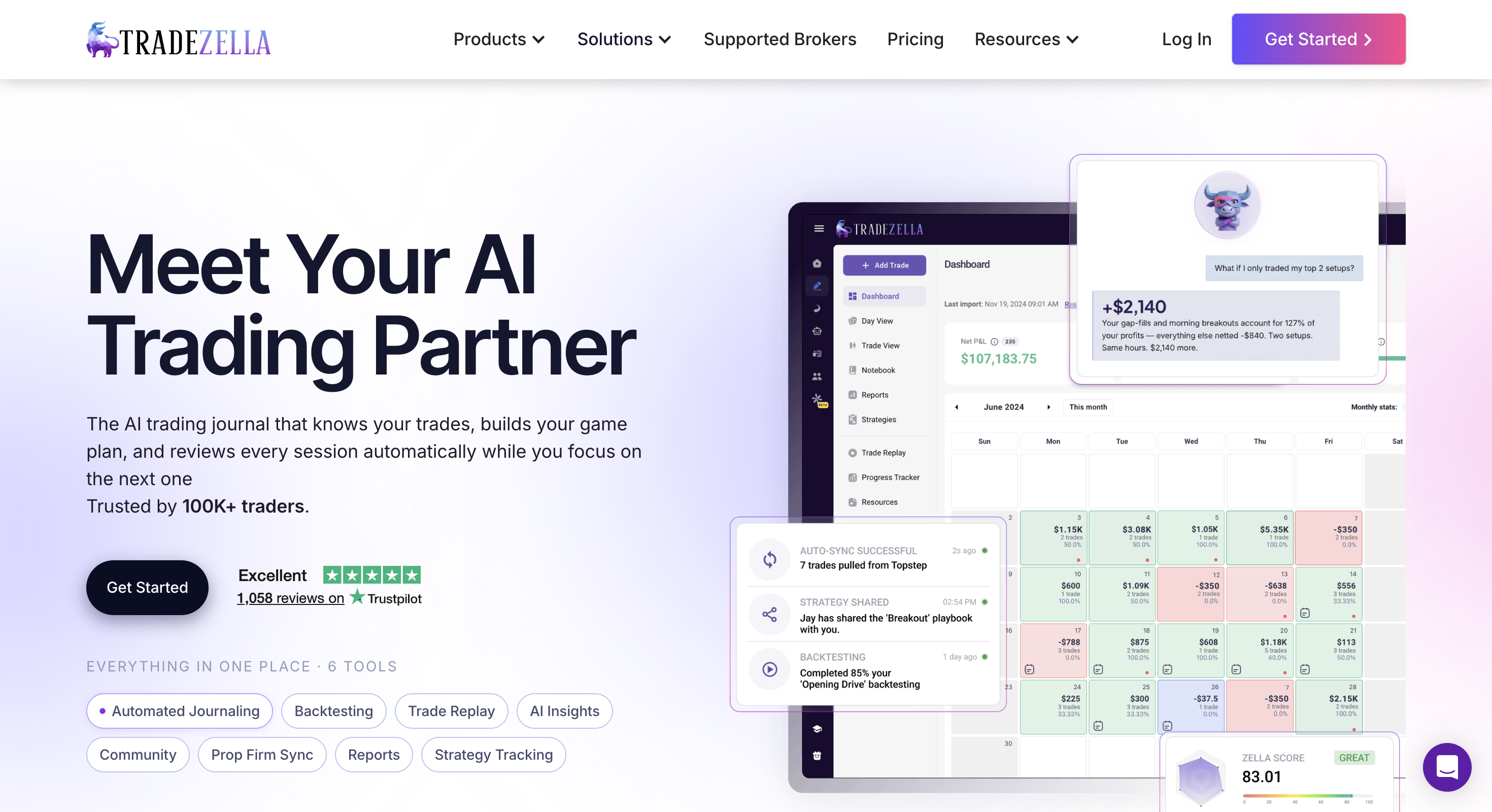
| TradeZella | From $35/mo | Journal suite; manual BT on Essential; automated AI BT and trade replay mainly on Pro/Ultra | No free plan; Essential $35/mo; Pro $59; Ultra $99 |
| FX Replay | Free | Dedicated browser market replay for practice | Stronger as a replay gym than as a lean daily journal |
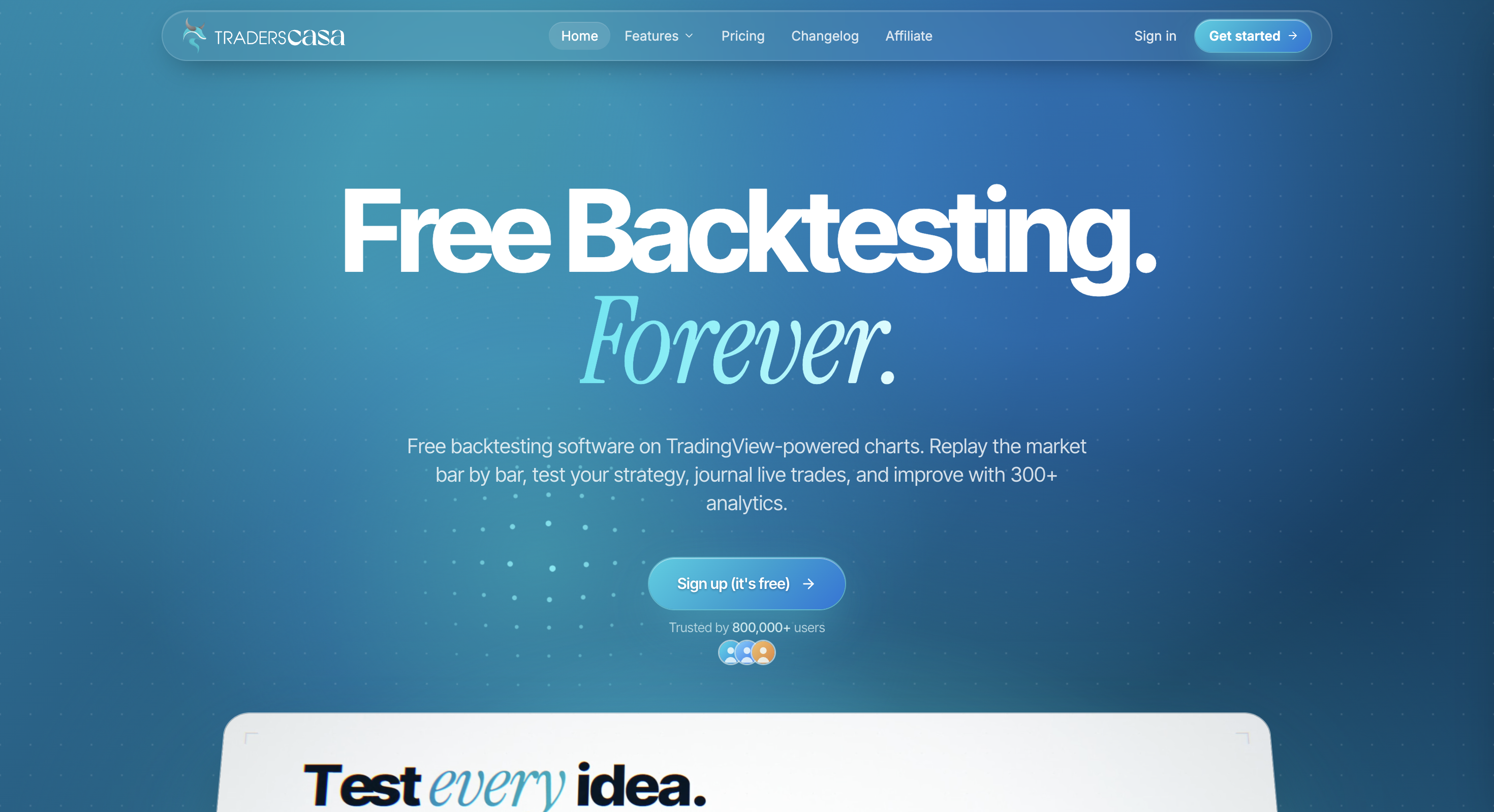
| Traders Casa | Free | Free forever TV-powered bar replay with unlimited sessions | Free history is 6 months; live journaling and broker sync sit on Pro |
| TrendSpider | Paid | No-code visual strategy testing in a charting suite | Different category than trade journaling |
Final verdict
Choose Tradespad when you want live TradingView chart replay and a usable journal in one free-starting product. Skip it when you need automation, research languages or a maximum-feature AI suite. For traders who mainly need manual TradingView backtesting plus journaling, that free path is why Tradespad ranks at the top of our list.
Still deciding? Compare it with TradeZella, FX Replay and our comparison table before you pay for capacity you will not use.
FAQ
Pricing, free backtesting, TradingView charts, automated testing, historical data limits, Coming Soon features, and alternatives.
Pricing and features change often. Always confirm current details on the official Tradespad website.